01 · Call history
Every call, one tap away.
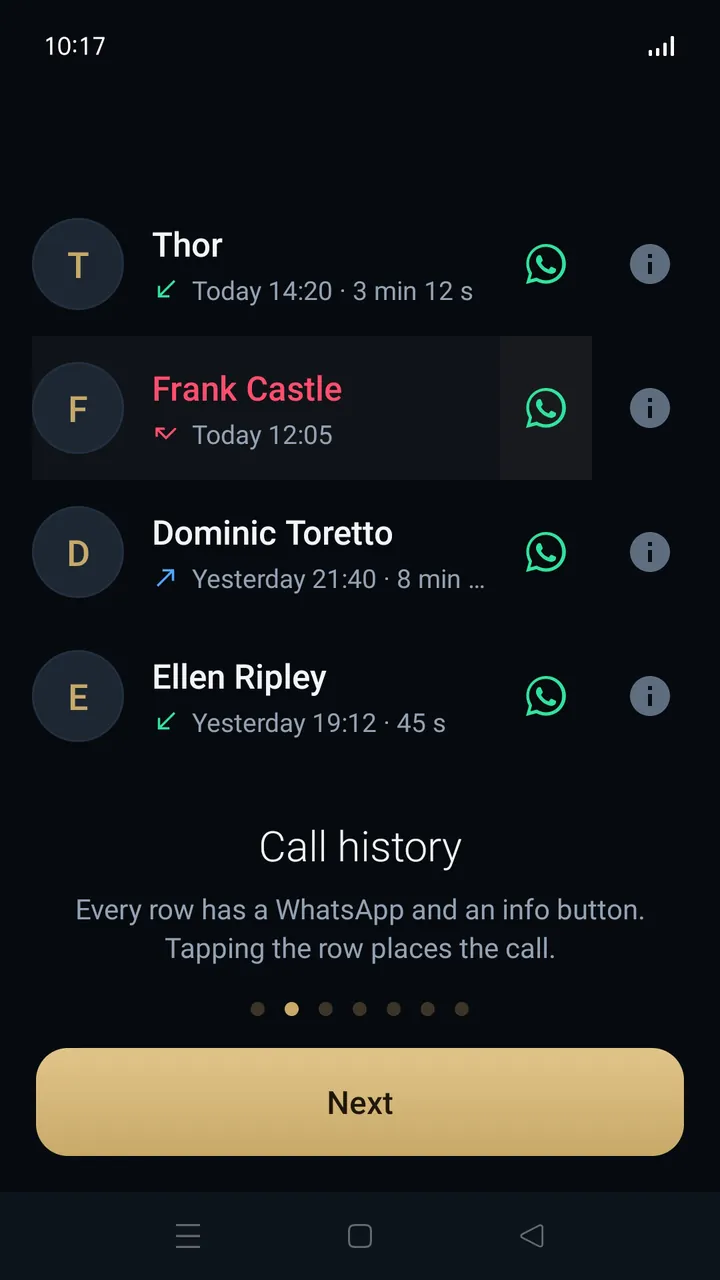
Each row shows who called, when and for how long. Tap the row to call back, or use the WhatsApp and info buttons right next to it.
Phone app for Android
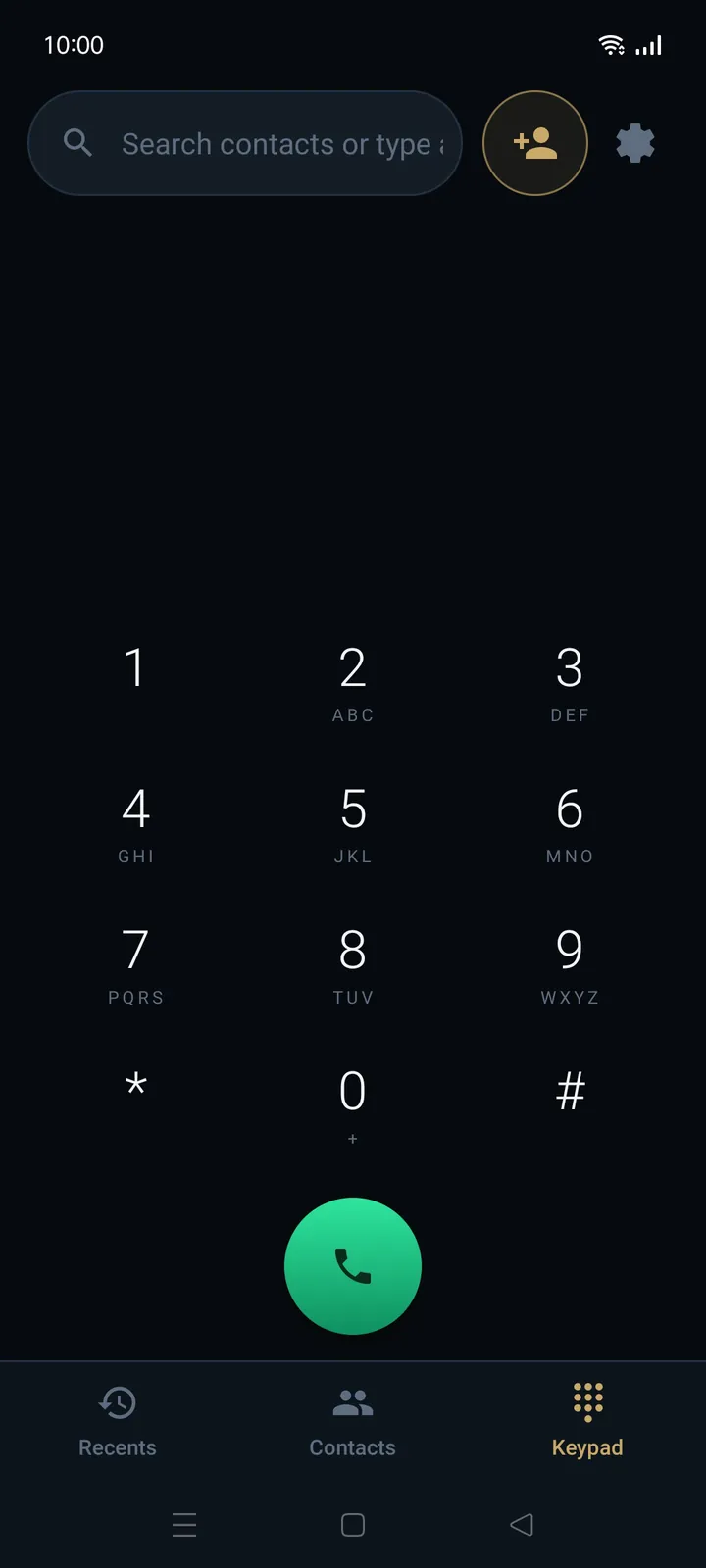
Speron Dialer replaces the stock phone app. A calm keypad, a call history you read at a glance, and a call screen where you answer by dragging the chomper to the green handset.
Available on Amazon Appstore, Xiaomi GetApps and Aptoide.
Everyday calling
Fewer screens to dig through and small details that save a few seconds on every call.
01 · Call history
Each row shows who called, when and for how long. Tap the row to call back, or use the WhatsApp and info buttons right next to it.
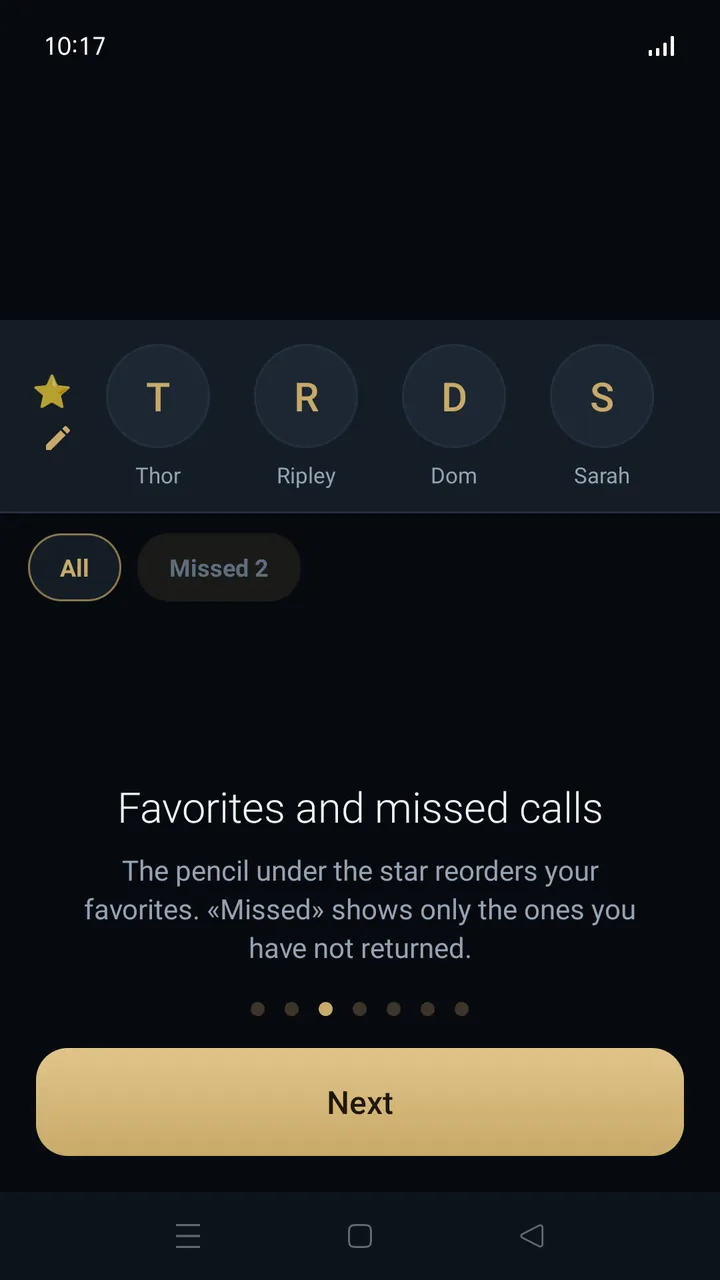
02 · Favorites
The people you call most sit in a row at the top. Tap the pencil under the star to reorder them. The Missed filter shows only the calls you have not returned yet.
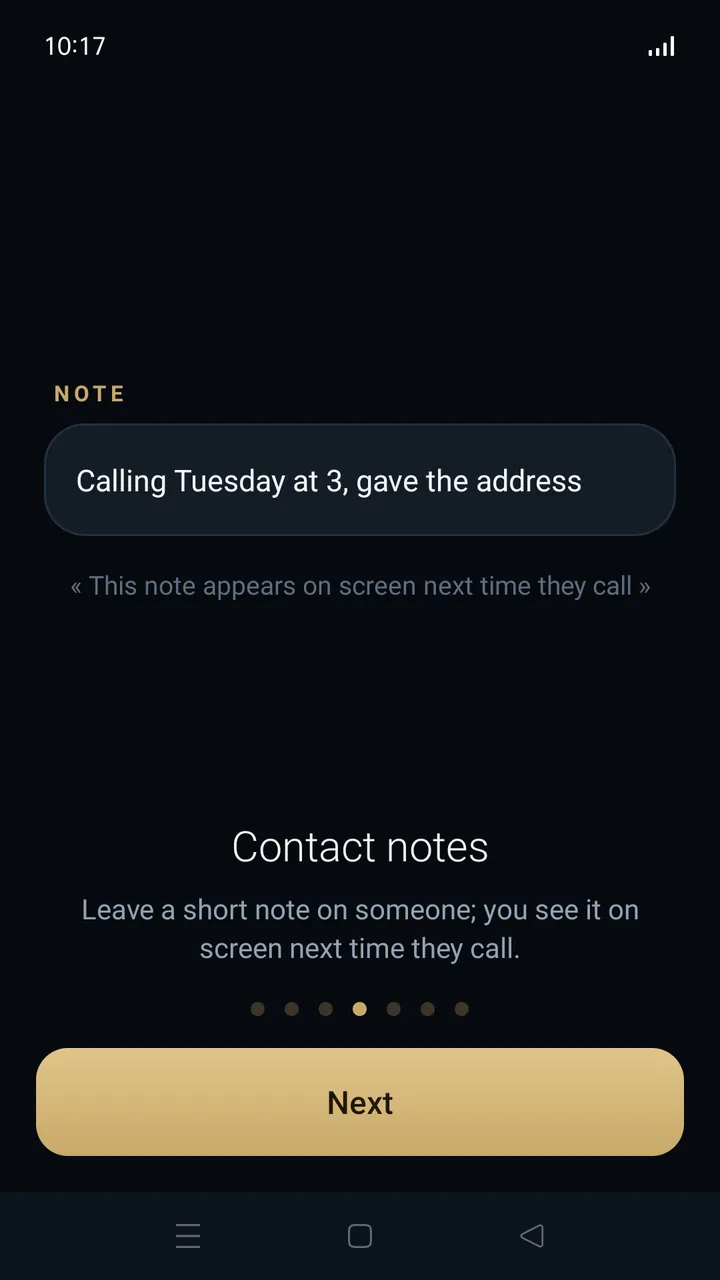
03 · Contact notes
Leave a short note on anyone, like “Calling Tuesday at 3, gave the address”. The next time that person calls, the note is right on the screen.
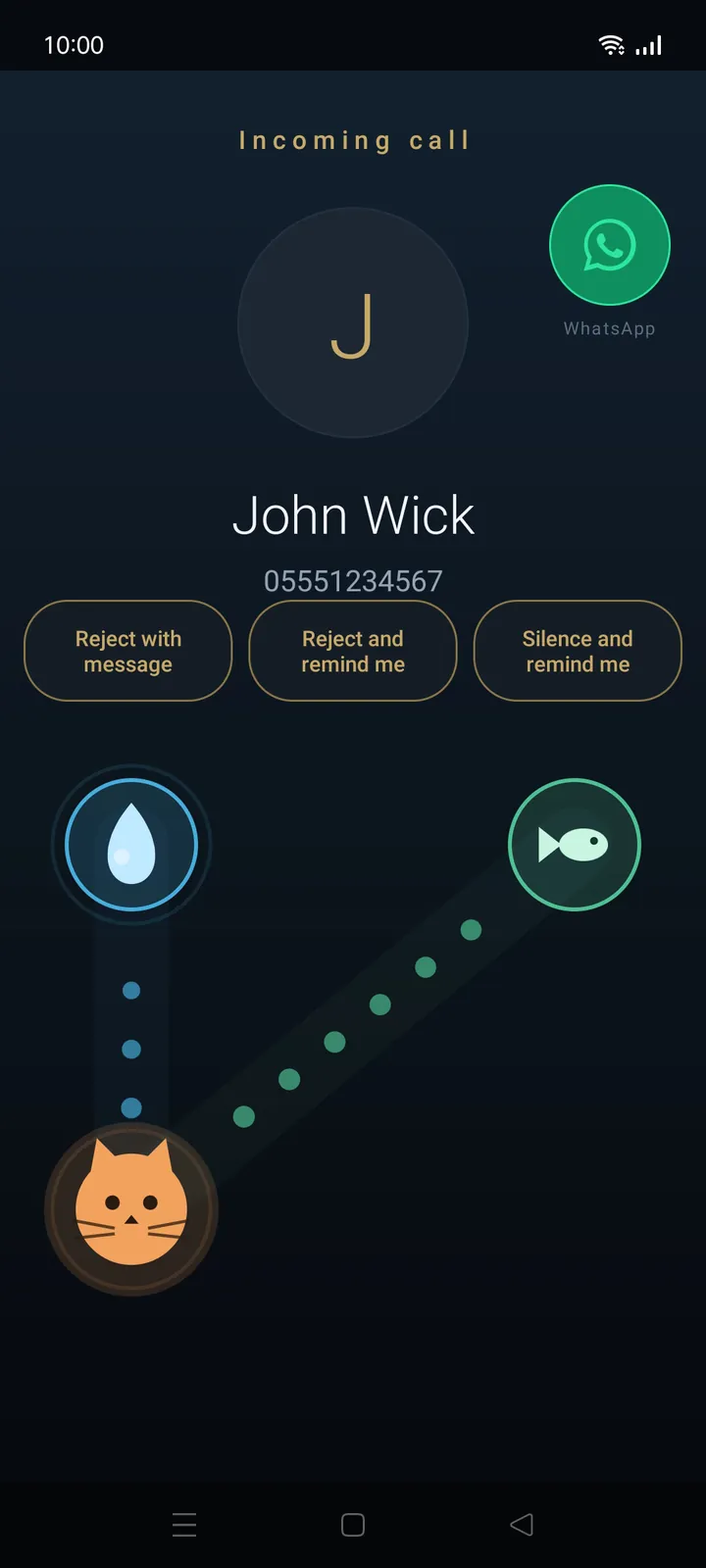
04 · Incoming call
Reject with a quick message, reject and get a reminder to call back, or just silence the ringer and get the same reminder. A WhatsApp button sits right on the call screen too.
Also inside
One field for search and dialing
Type a name or a number in the same place.
Speed dial on 1 to 9
Long-press a key to call. Ask for confirmation first, if you like.
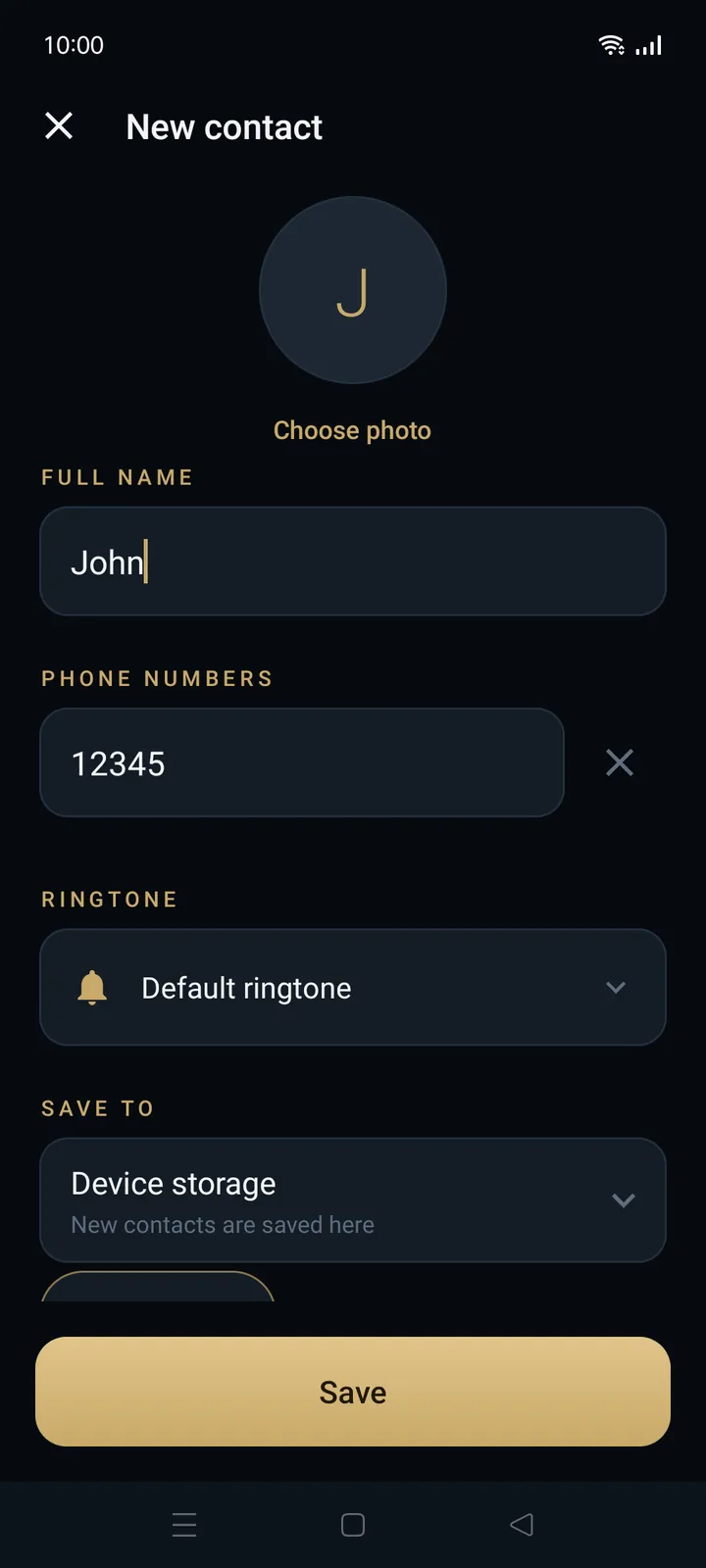
A ringtone for each contact
Know who is calling before you look.
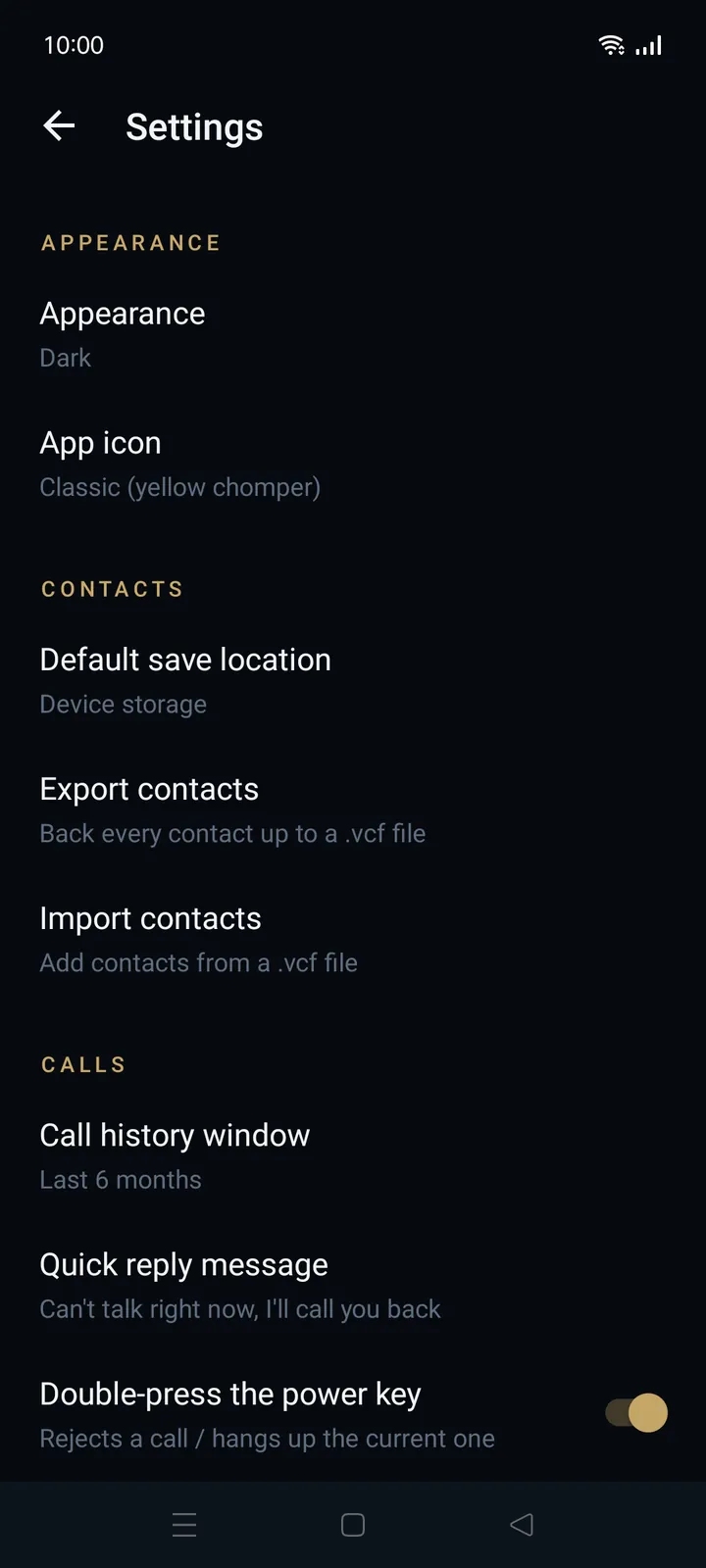
Contacts in a .vcf file
Export every contact as a backup and import them back.
Your own quick reply
Write the “Can't talk right now” message the way you would say it.
History as long as you need
Choose how far back the call history goes.
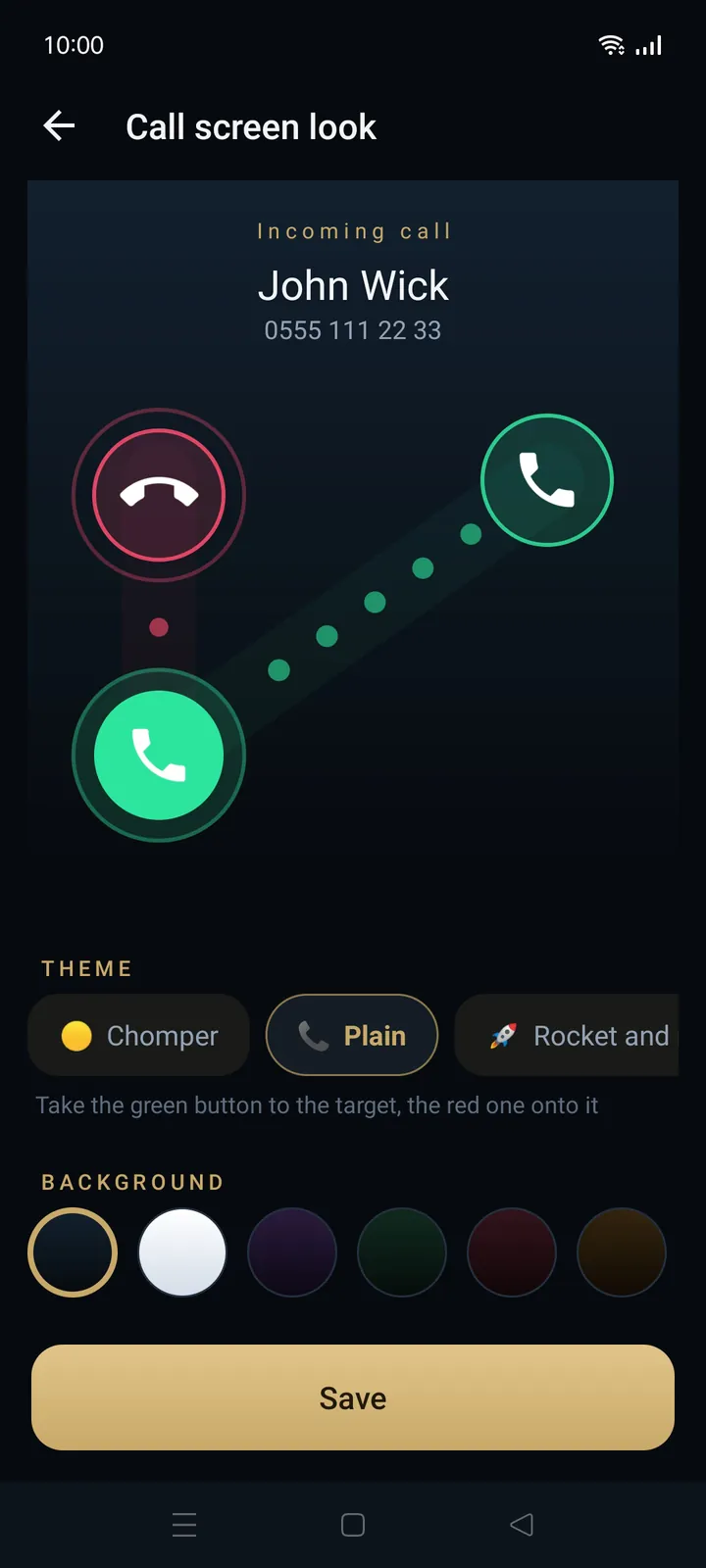
Call screen
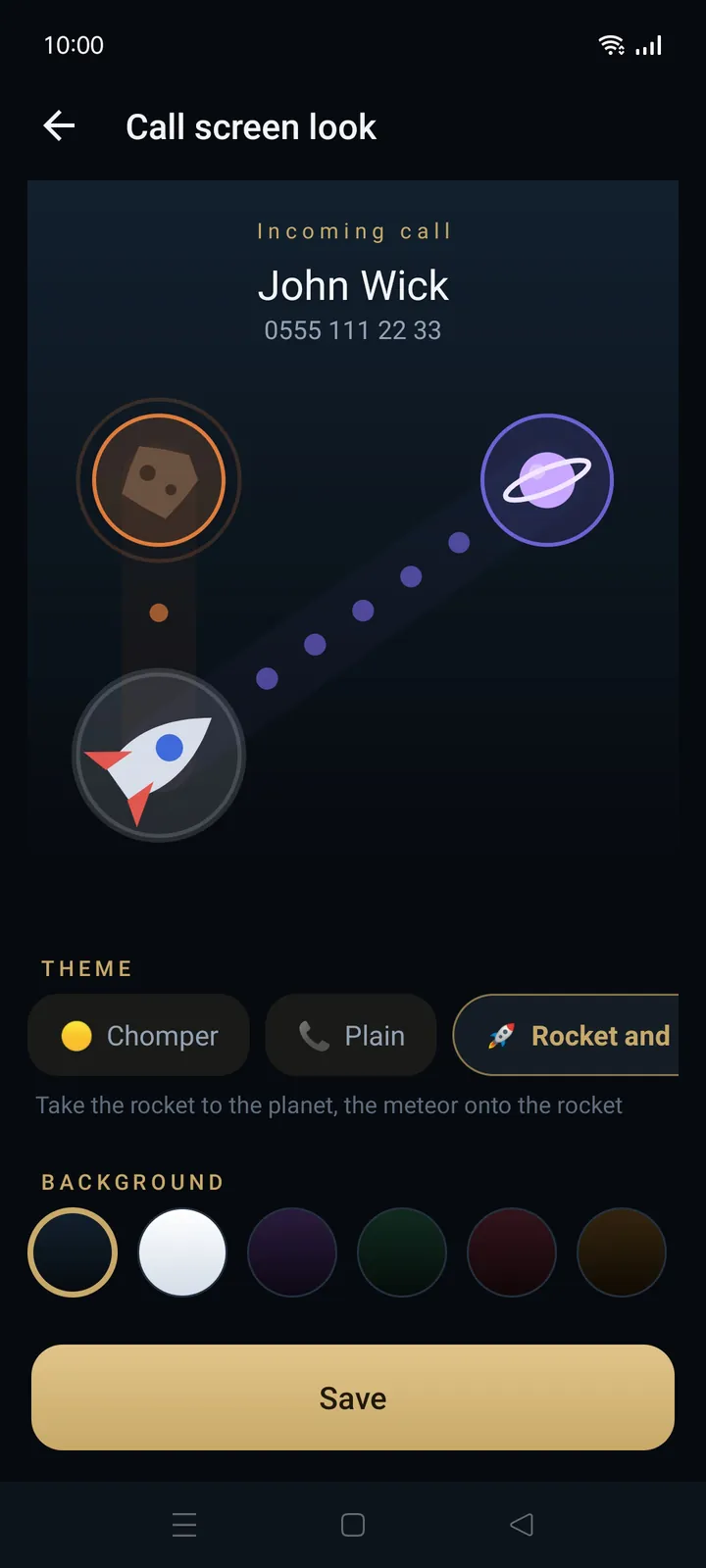
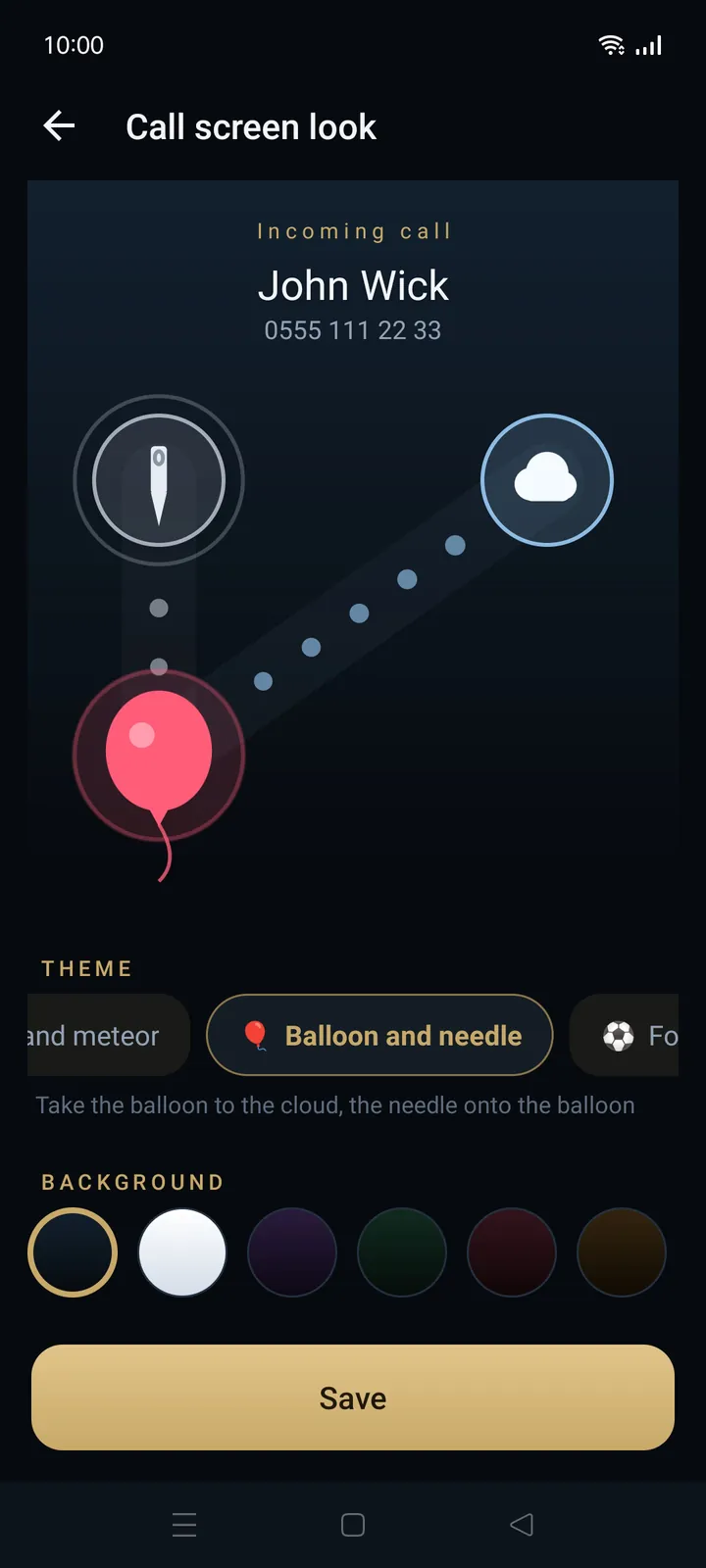
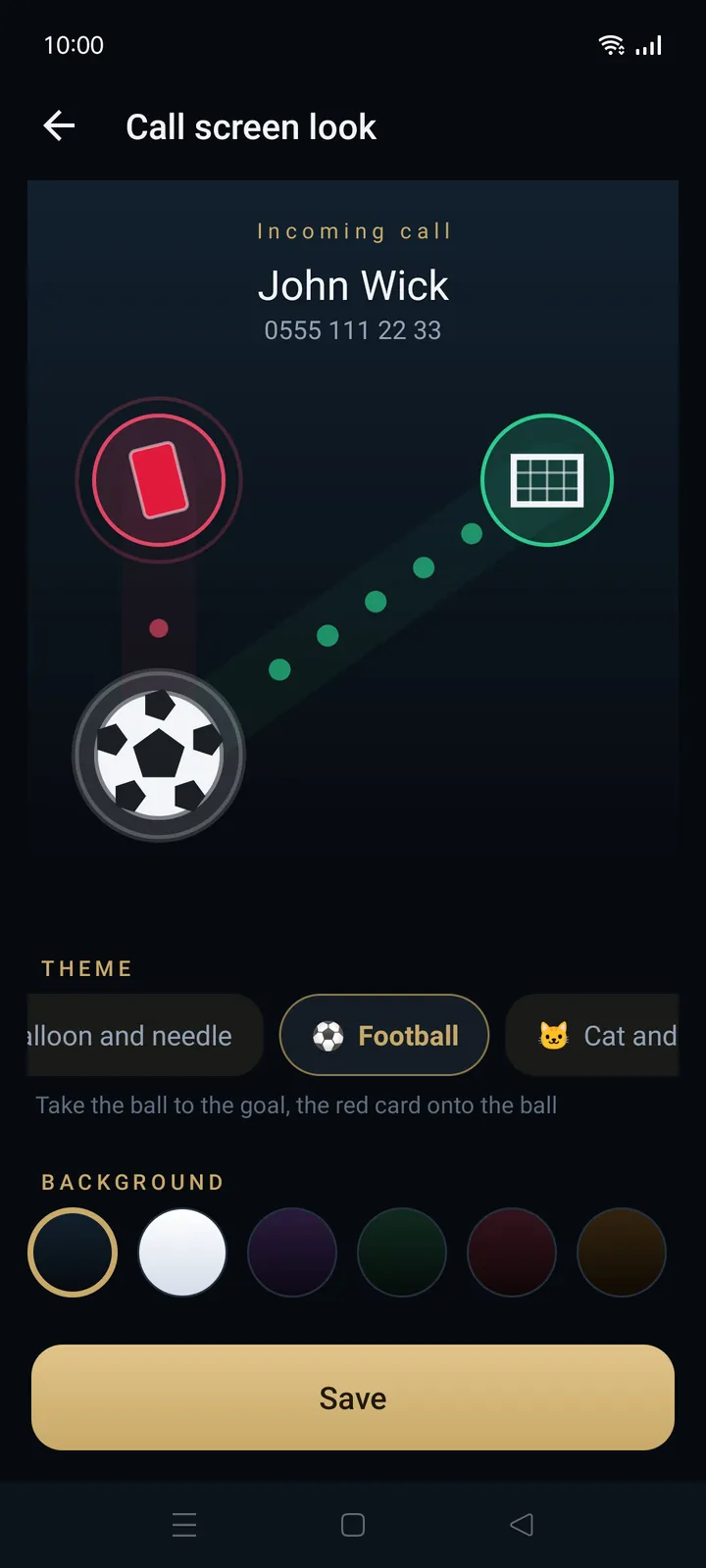
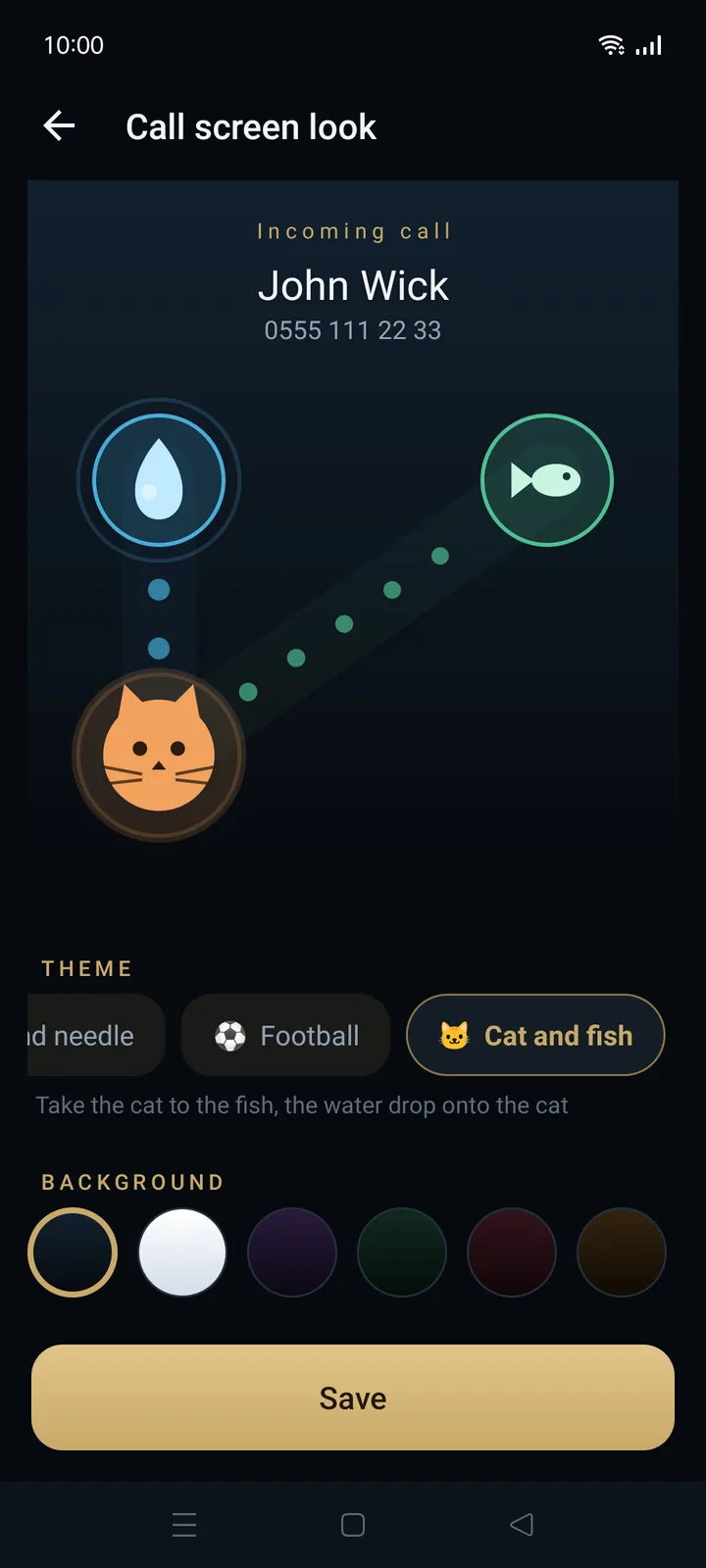
Every theme works the same way, so there is nothing to relearn. Chomper is the classic default, and five more themes wait in the settings.
Answer Drag the hero to its target.
Decline Drag the villain onto the hero.
Take the green button to the target, the red one onto it.
36 looks: 6 themes × 6 backgrounds. Pick the pair you like.
Make it yours
Change the parts of the phone app you see most often: the look of the app, the incoming call screen, its background and even the icon on your home screen.

Hands free
These gestures work while the phone is ringing or during a call.
The call is answered. It stays off while the phone is in your pocket.
The ringer stops right away.
The ringer goes quiet and the screen turns off.
Rejects an incoming call or hangs up the current one.
Only the ringer stops. The call is not rejected.
The screen goes blank during a call, so your cheek cannot press anything.
Each gesture can be turned off in the settings.
The developer
56.9496° N, 24.1052° E
SIA Tap Technology is a small software studio in Riga, Latvia. We make Android apps for the things people do many times a day, and we care about the details you feel on every tap.
Speron Dialer is our take on the phone app: quick to read, calm to look at and a little playful when the phone rings.
Get the app
Search for “Speron Dialer” in the store app on your phone.
Contact
Send us an email and tell us what you think. We read every message.
contact@taptechnology.info